
Master Blender, step by step.

Hand picked YouTube lessons in the order that works. Six stages, one members app, $19 once.

  • 5 stars from 100+ students
  • Make 3D design your career by learning Blender
©2026
From people
who bought it
Read all reviews
“As a total beginner, this playbook made it feel so approachable to learn Blender.”
Mark
“Incredible value for the price. The quality of the content and the production is top-notch.”
David Wane
“I finally understand how Blender works instead of just memorizing commands.”
Emily T.
“The perfect starting point for anyone feeling lost in Blender.”
Sebastin
“Love the way it's set up in Notion. Thanks Maruf.”
Yahya
“Huge win! Hope you will update the playbook in every release.”
Billy Jhowell
“A cool and very helpful playbook!”
Sebastian Heitmann
The problem

YouTube is full of free Blender tutorials.
But you can't learn because:

Five traps

100+ hours

lost to these before most beginners finish a single project.

01

You watch videos that don't matter yet

Shortcut lists and add-on reviews feel useful, but they don't get you closer to a finished render.

Hand picked lessons, in order

02

The tutorial is for an old Blender

Menus moved and buttons changed, so you get stuck halfway through.

Outdated lessons are left out

03

You pick up habits you'll have to unlearn

Like messy topology and fake lighting that break later projects.

Only lessons that teach clean habits

04

You keep starting over

With no clear next step, it's back to the beginner donut again.

A clear next stage, every time

05

You lose motivation

The gaps between random videos are where most people quit.

A finished project ends every stage

The roadmap fixes all five. See how it works

The roadmap

Six stages,
one clear path.

Hand picked YouTube lessons in the order that works, from your first shortcut to Geometry Nodes. No outdated tutorials, no starting over, no evenings lost deciding what to watch.

What you'll learn
Step by step,
you'll learn
Get it for $19
Blender basics
Hard surface modeling
UV & PBR texturing
Studio lighting
Animation
Geometry Nodes
Landing clients
Tools covered
Every stageBlenderThe free 3D app you learn in
Stage 02BoxCutterFast hard surface cuts
Stage 02Hard OpsBevels and boolean clean up
Stage 03MaterializeTurn photos into PBR textures
Stage 03, 04Poly HavenFree CC0 textures and HDRIs
Stage 04CyclesPhotoreal path traced renders
Stage 04EEVEEFast real time renders
Stage 06Geometry NodesProcedural modeling and scatter

From zero to portfolio
in six stages.

Each stage lists the videos to watch, in order,
and ends with something for your portfolio.

Basic
fundamentals.

(BF)
01
Stage 01 · BF

Master the interface, then make your first simple animation.

You'll learn
  • Interface & shortcuts
  • Assumes you never opened Blender
8lessons
4projects
Get it for $19

Mastering
3D modeling.

(3M)
02
Stage 02 · 3M

Build clean hard surface models from real references, fast.

You'll learn
  • Modeling from reference
  • BoxCutter & HardOps
28lessons
3projects
Get it for $19

Mastering
texturing.

(TX)
03
Stage 03 · TX

Give every model believable wood, metal, paint and wear.

You'll learn
  • UV unwrapping made simple
  • PBR with free tools like Materialize
28lessons
4projects
Get it for $19

Lighting &
rendering.

(LR)
04
Stage 04 · LR

Turn basic models into final renders that look like product photography.

You'll learn
  • HDRI & three point setups
  • Cycles & EEVEE, laptop friendly
13lessons
4projects
Get it for $19

Animation
mastery.

(AM)
05
Stage 05 · AM

An animation strong enough to lead your portfolio.

You'll learn
  • Keyframes & graph editor
  • Rigging & walk cycles, optional
16lessons
4projects
Get it for $19

Geometry
Nodes.

(GN)
06
Stage 06 · GN

Procedural scenes you can change with a single slider.

You'll learn
  • Geometry Nodes Launchpad included
  • Patterns, animations & landscapes
14lessons
4projects
Get it for $19
Included · Bonus sections

Skills first,
then getting paid.

Three extra sections most tutorials skip: niche & portfolio building, LinkedIn branding, and 1000+ CC0 assets, HDRIs and textures that are free to use commercially.

Included · Geometry Nodes Launchpad

Procedural scenes, included free.

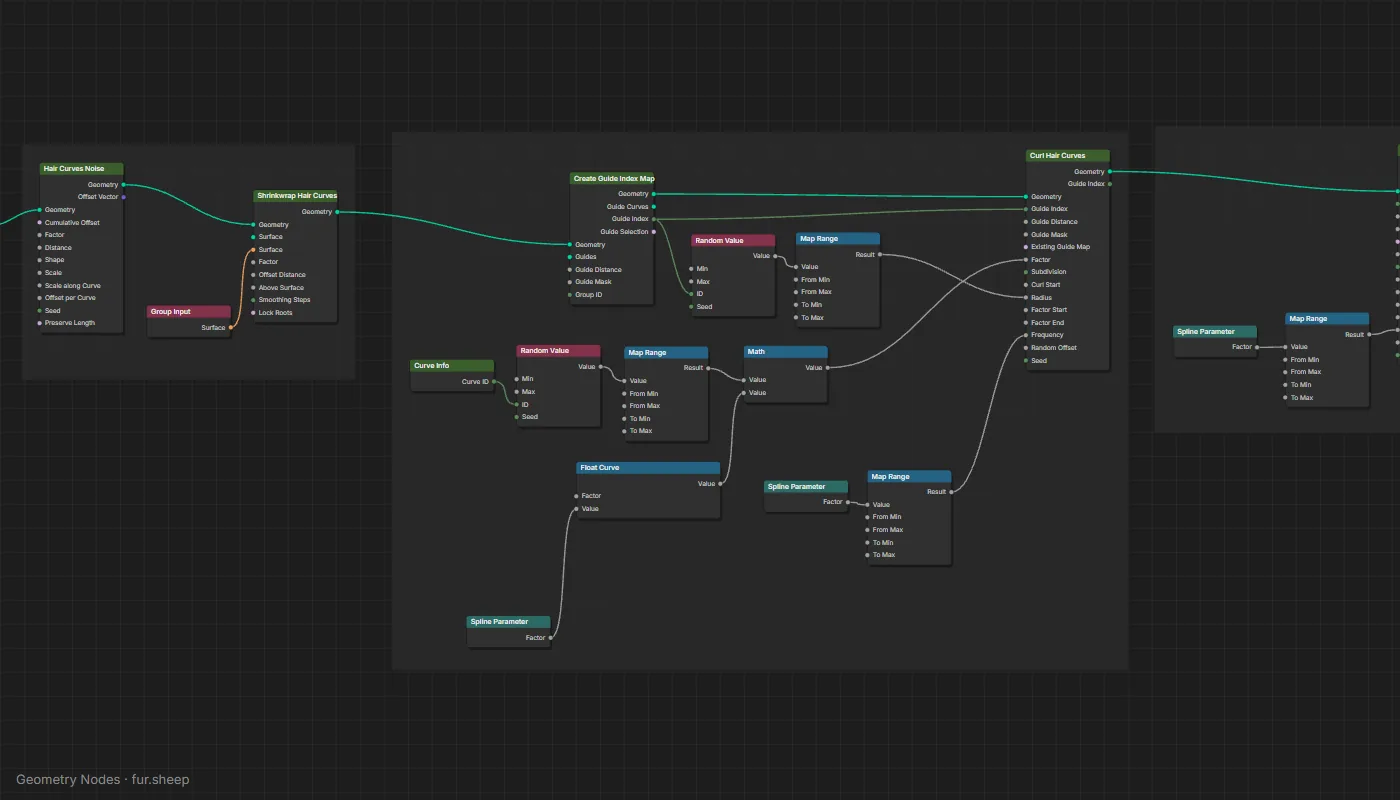
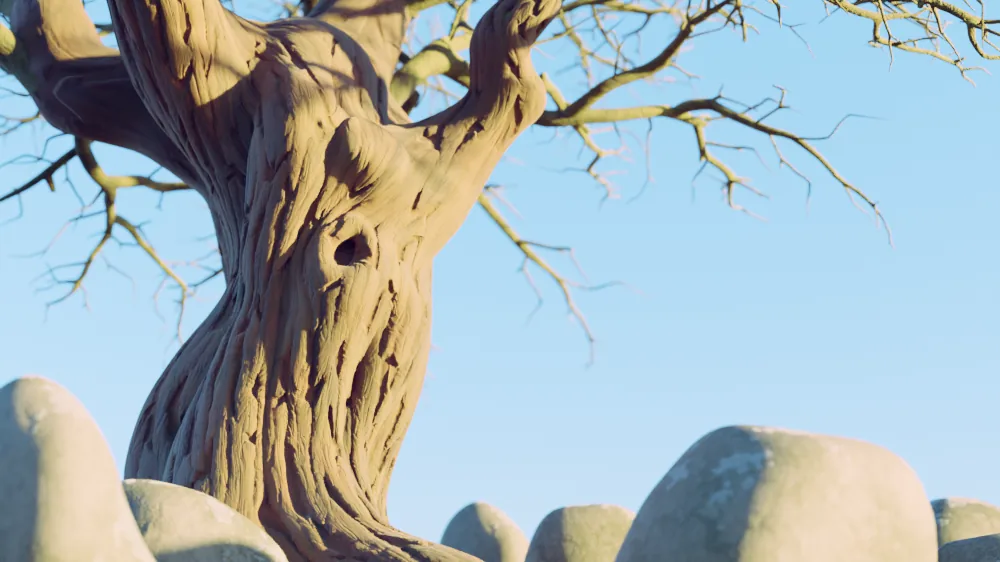
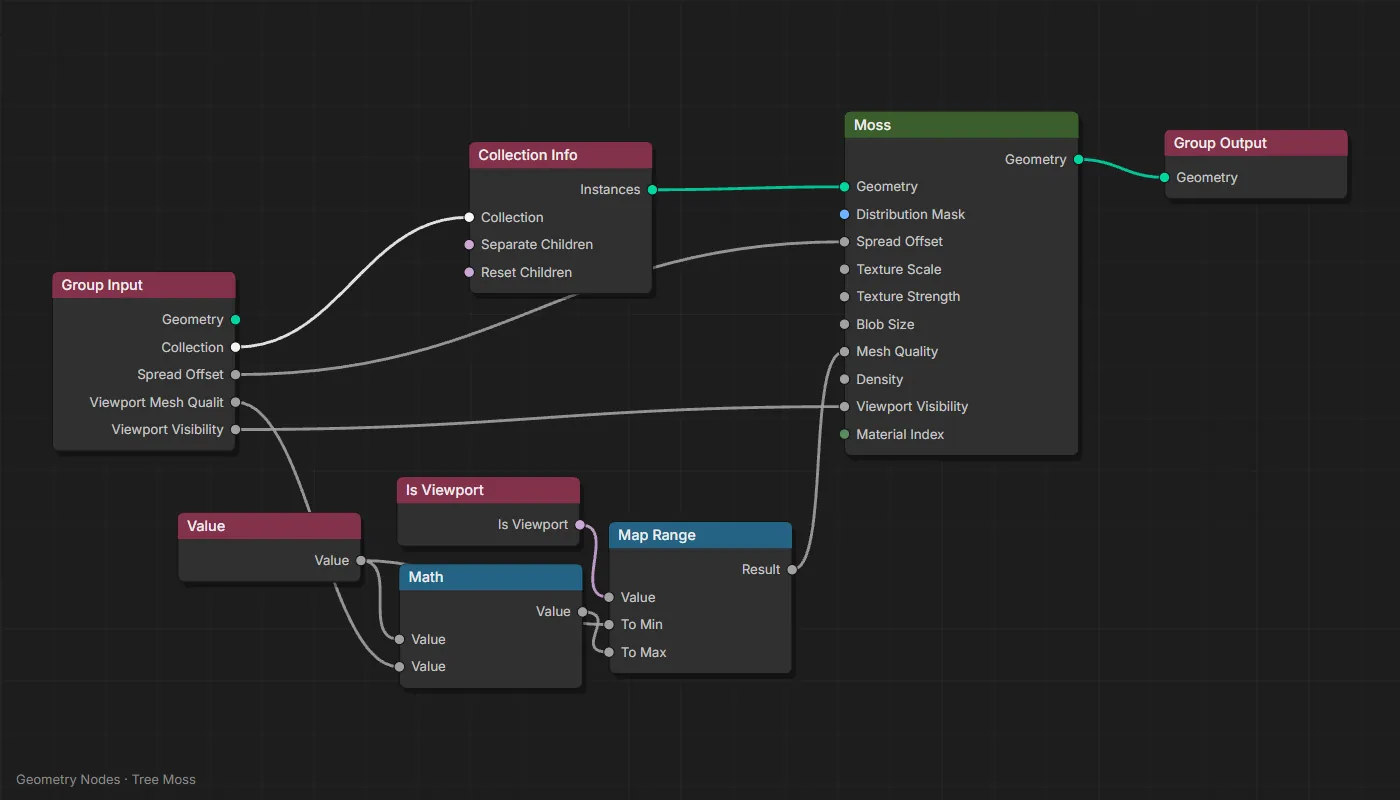
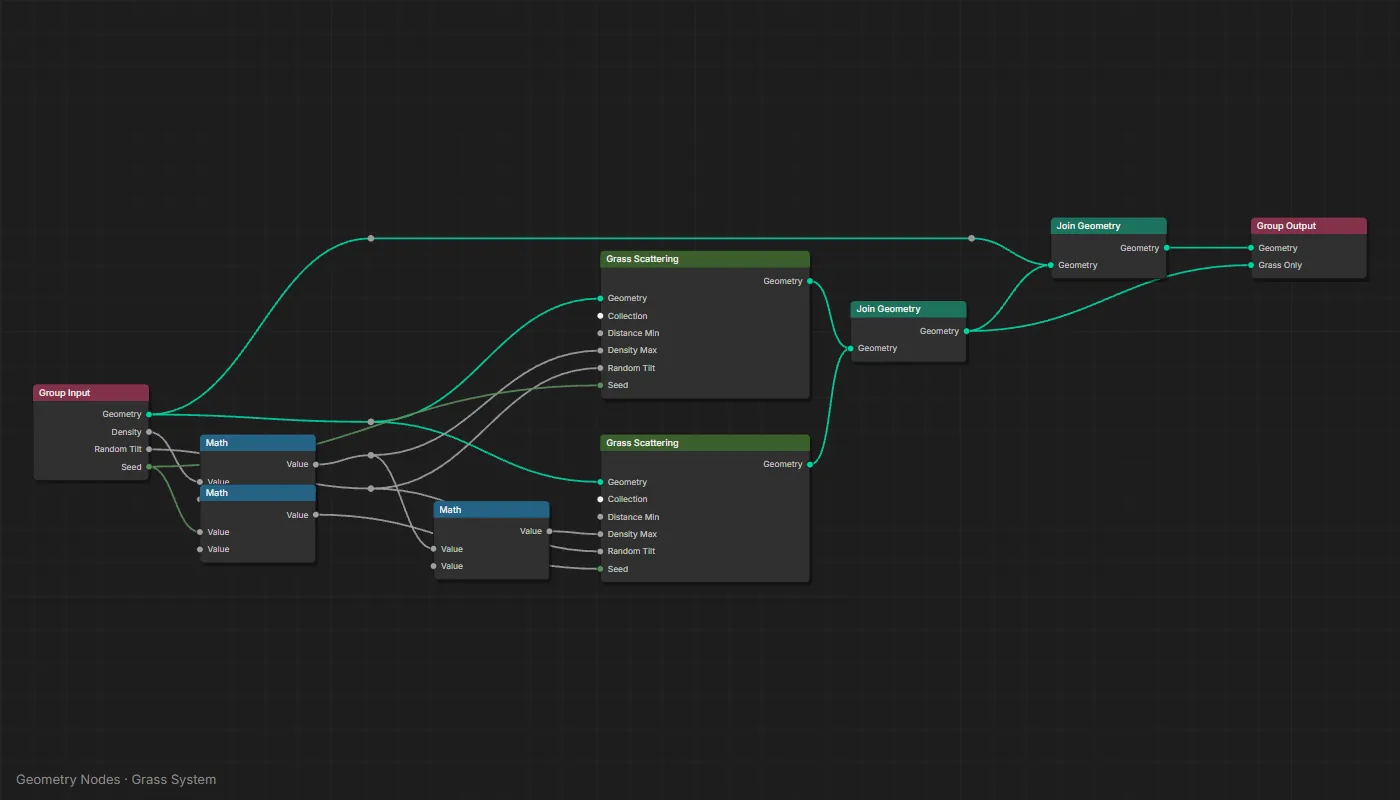
Eight modules, from how geo nodes work to simulation & physics. Shown: free CC0 demo files from blender.org, rendered in Cycles, with their real node trees.

Inside the app

Your roadmap, as an app.
Every lesson tracked.

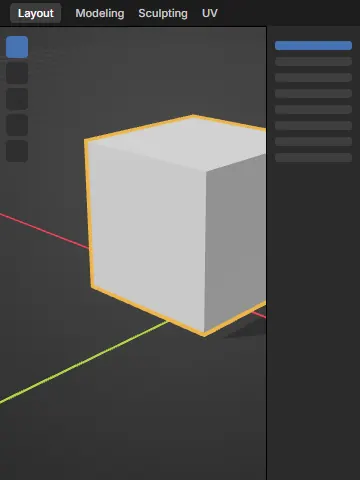
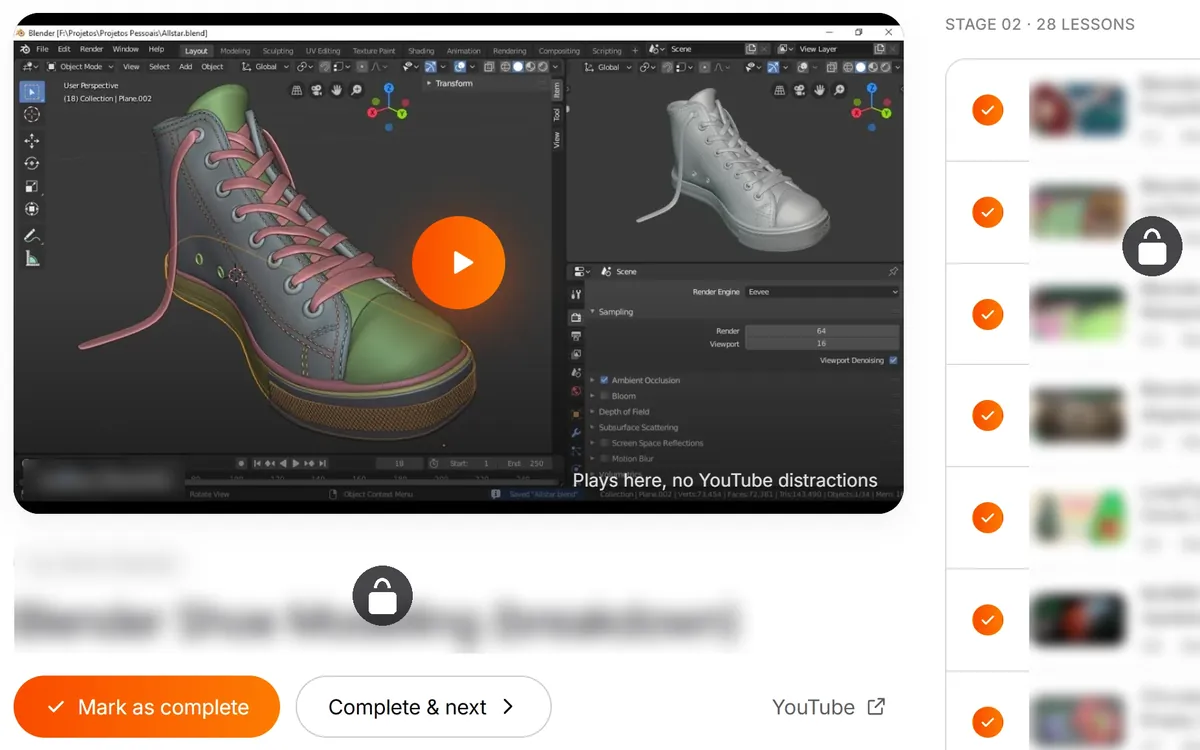
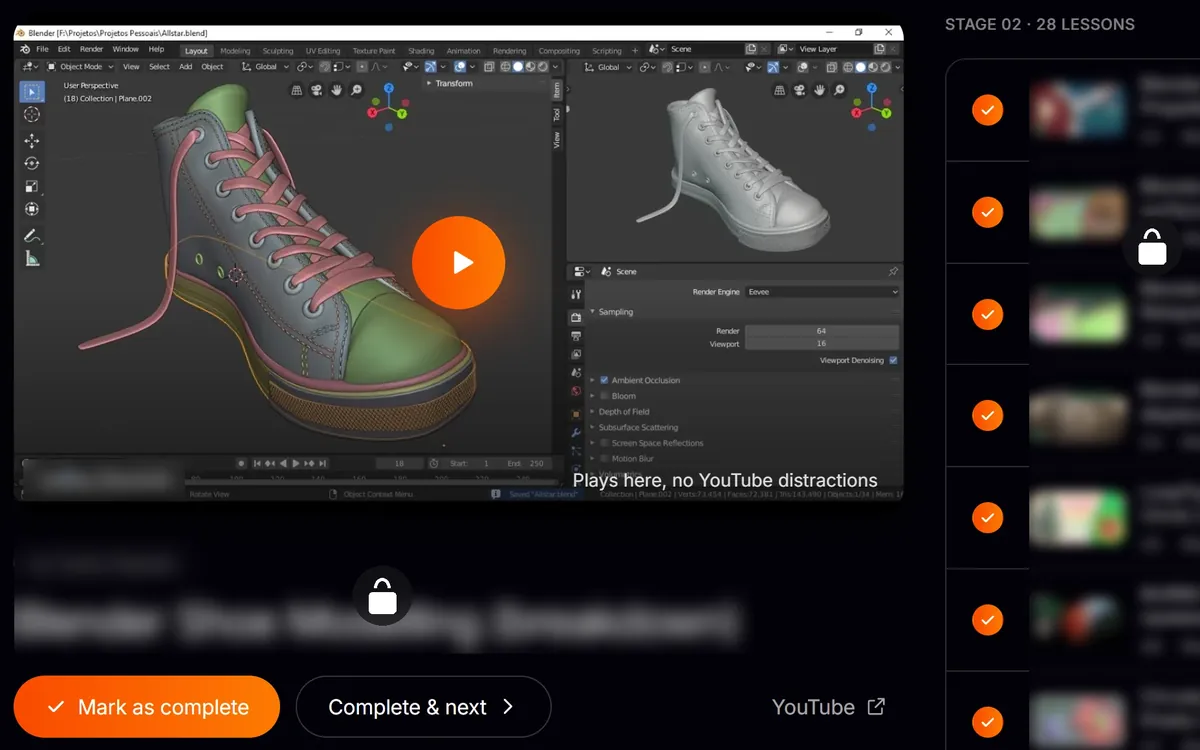
Lesson page with the video player, Mark as complete and the lesson list

Lessons play right here

Every video plays inside the app, in order. No YouTube rabbit holes, and your notes sit under each lesson.

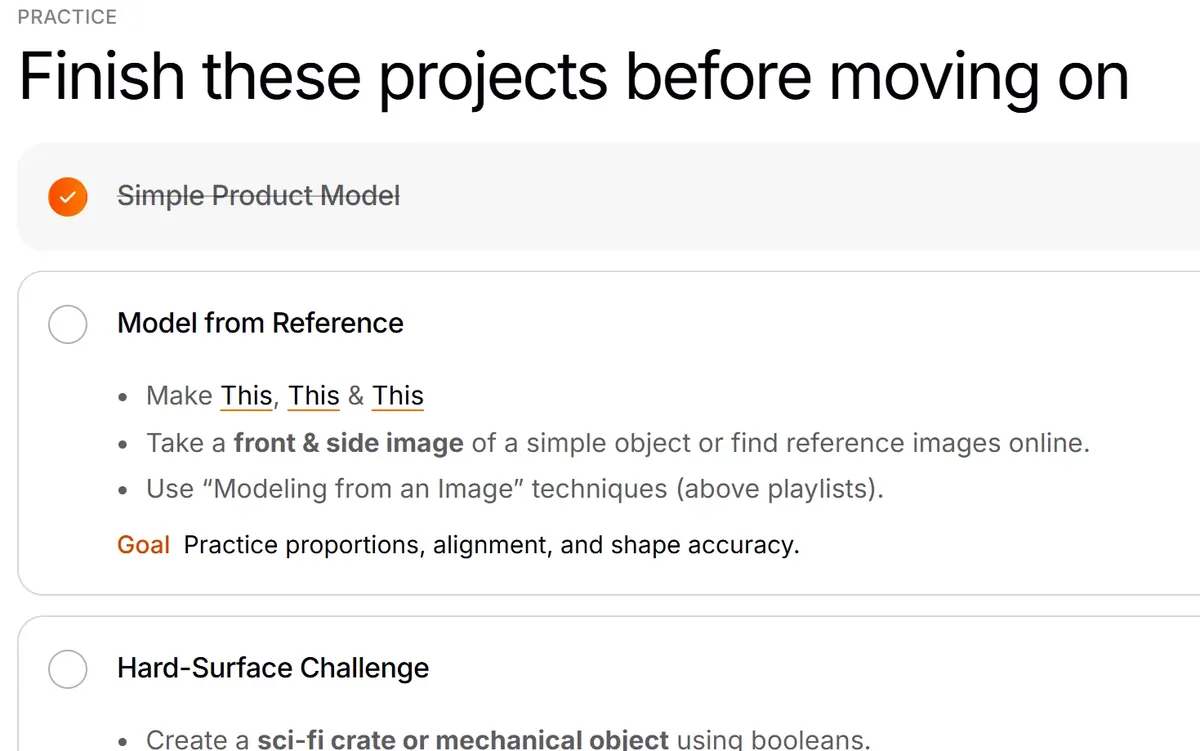
Stage page with the practice projects checklist

Always know what's next

Each stage lists its lessons and practice projects. Tick them off and watch the progress bar fill.
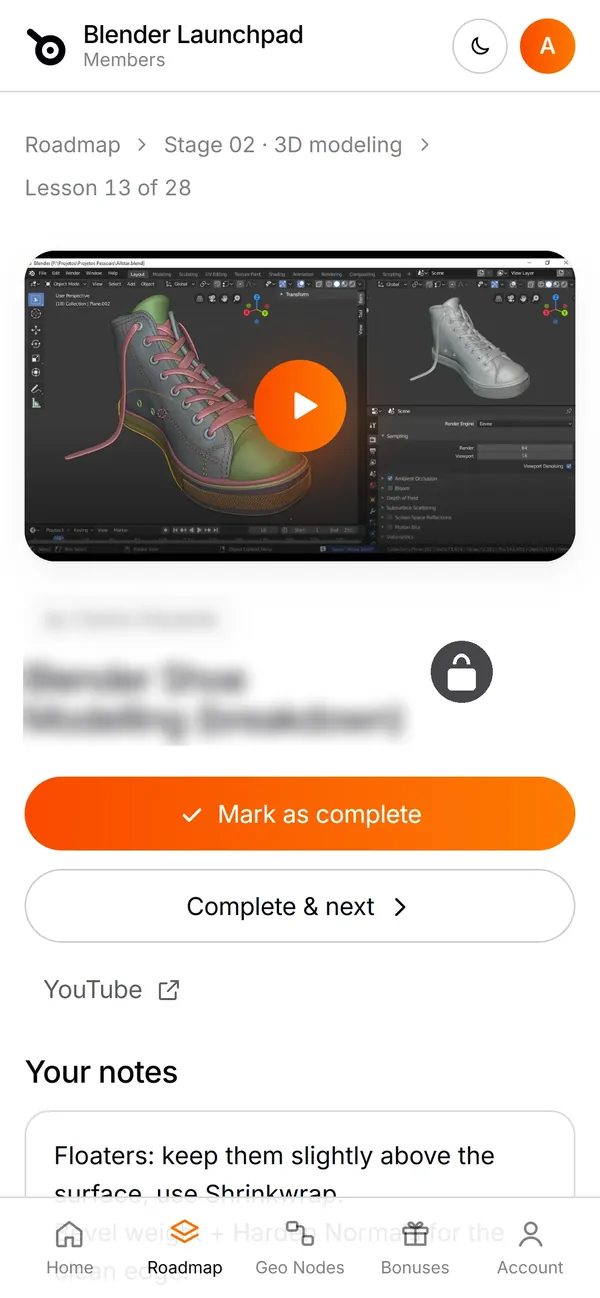
The members app on a phone, showing a lesson

Learn on any device

Sign in with the email you paid with. Your progress follows you from laptop to phone.

How it works

Checkout to first
project in three steps.

Step 01

Pay $19 once on Stripe

One payment, no subscription. Checkout takes about a minute.

Step 02

Open the members app

You get access right after purchase. Sign in with your purchase email and every lesson is linked, on any device.

Step 03

Follow it stage by stage

Watch the lessons in order, practice daily and finish the project at the end of each stage. Tick it off and move on.

Get the roadmap for $19

Instant access · No subscription · Secure checkout through Stripe

Reviews

What buyers said.
Real ones here.

As a total beginner, this playbook made it feel so approachable to learn Blender. Maruf's curated list of YouTube tutorials made it so easy for me.
MarkApr 14, 2025
Incredible value for the price. The quality of the content and the production is top-notch.
David WaneAug 16, 2025
The layout is logical and the exercises are practical. I finally understand how Blender works instead of just memorizing commands.
Emily T.Jun 25, 2025
The perfect starting point for anyone feeling lost in Blender, trying to find the right tutorial on YouTube.
SebastinJun 2, 2025
Huge win! Hope you will update the playbook in every release.
Billy JhowellJun 3, 2025
Love the way it's set up in Notion. Thanks Maruf.
YahyaMay 5, 2025
Congratulations, it's a cool and very helpful playbook!
Sebastian HeitmannMar 30, 2025
Thank you Maruf!
BIK DeainsMar 22, 2025
Who made this

Made by Maruf.
YouTube taught him too.

The difference was structure. This roadmap is the path I followed and refined across five years of paid 3D work, written down so you can follow it in months instead of years.

Get the roadmap

Everything you need,
for $19.

The whole six stage path, the Geometry Nodes Launchpad, the three bonus sections and every link, for less than the price of one wasted evening.

  • Stages 1 to 6: fundamentals, modeling, texturing, lighting & rendering, animation, Geometry Nodes
  • Hand picked YouTube videos and playlists for each stage, in the order to watch them
  • The Geometry Nodes Launchpad, eight modules, included in the bundle
  • Bonuses: niche & portfolio building, LinkedIn branding, open source libraries
$19one time
payment
Get the roadmap for $19

Access it now for only 19.00$ before price increase.

  • Instant digital access after purchase
  • No subscription, nothing else to buy
  • Secure checkout through Stripe
FAQs

Before you buy.
Straight answers.

Yes. Stage 1 starts with the interface and shortcuts and assumes you have never opened Blender. If you already know the basics, start at the stage that matches you.

Every tutorial in the roadmap is a free, public YouTube video. You are paying for the curation and the order, which is the part that saves you the 100+ hours.

No. It is a structured playbook: six stages plus three bonus sections, each listing the exact videos and playlists to follow in sequence, with notes on what to practice and what to build. There are no original video lessons.

A members app with direct links to every lesson. Sign in with the email you paid with, open it on any device and follow the stages top to bottom. You get access right after purchase.

No. Blender is free and runs on Windows, macOS and Linux, including ordinary laptops. Modeling, texturing and animation work fine on modest hardware. Rendering is slower on a weaker machine, but it still works.

That depends on how often you practice. Following the roadmap with daily practice, the goal is to be confident across all six stages in about six months. The order matters more than the speed.

The tutorials are chosen because their techniques still apply to current Blender releases. Outdated videos are the first thing the roadmap filters out.

Yes. Stage 6 covers Geometry Nodes and the Geometry Nodes Launchpad with its eight modules is part of this bundle at no extra cost.

Yes. $19, paid once through Stripe. There is no subscription and nothing else to buy to complete the roadmap.

A computer that runs Blender, a YouTube connection and a little time every day. The roadmap only works if you follow it.

Ready?

Stop guessing
what to watch next.

Get the roadmap for $19

Access it now for only 19.00$ before price increase.

The Blender Launchpad6 stages · one time paymentGet it for $19